How to use Turbobulls, shown on the app itself.
Short guides that point at the exact button, for every part of the app.
Start here
New to Turbobulls? Three short pages, in this order.
What Turbobulls is
Turbobulls keeps your investments, bank accounts, spending and budget in one place. It encrypts what you record on your device before it is saved, so we cannot read it.
Start2About 3 minMake your workspace
Sign up, make a workspace with a password of its own, and save the recovery key, your only way back in if you forget that password.
Continue3About 5 minBring your history in
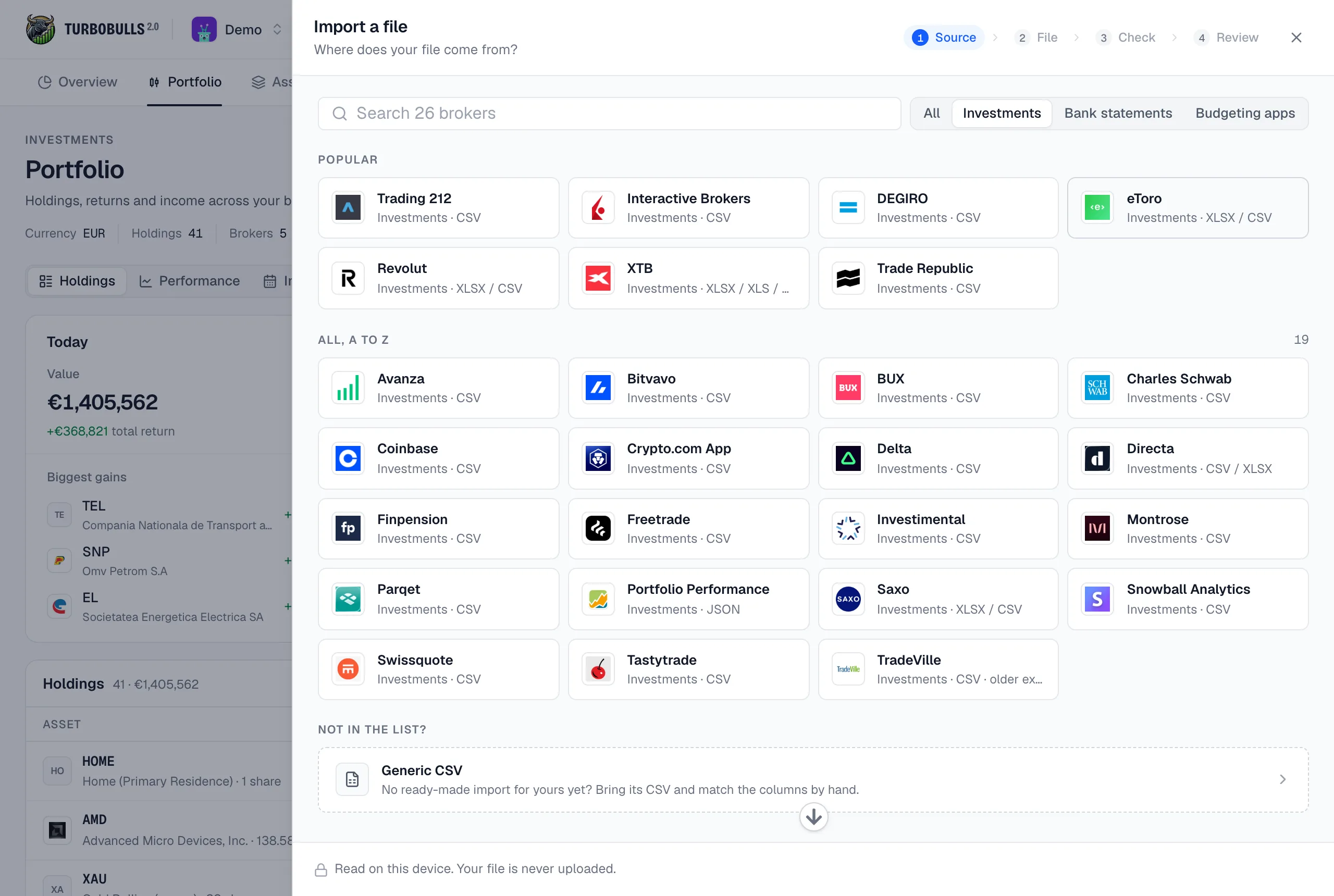
Import the file your broker or bank gives you, check what it holds, and only then bring it in. Or add a transaction by hand.
FinishFind it where it is in the app
The docs follow the app’s own menu, so a page here sits where its screen sits there.
Net worth and what changed it, money in and out, and what needs a look.
Holdings, returns, income and allocation, across all your brokers.
Everything you hold, watch or look up, and assets you add yourself.
Your accounts and every transaction, with categories and payees.
Envelopes for each month, filled from the money that comes in.
Where your money came from and where it went.
Accounts, brokers, categories, backups and your workspace password.
The demo is the real app, filled with a made-up household. Nothing to sign up for.
Open the demoEvery transaction, and ways to use it
Plans and billing, how your data is protected, every figure and import, and what to do when something looks wrong.
The add-transaction window, and each kind of transaction it records, field by field.
A home, a pension, crypto, saving up, yearly bills, a partner: how to set each up.
Your account, your privacy, and quick answers
Plans and billing, how your data is protected, every figure and import, and what to do when something looks wrong.
Signing in, workspaces, plans and the trial, billing, and using it on your phone.
How your data is encrypted, what we can and cannot see, and your password.
Every figure, every kind of transaction, and imports broker by broker.
Answers to what people ask most, and what to do when something looks wrong.
Sign in with a passkey, targets for your budget, and 20% off with a partner's code
Read itFigures that roll, your numbers first on a phone, and brokers that close cleanly
Read itBroker groups, windows that keep what you typed, and any month's statement
Read itStill stuck?
Ask in the community. We read every thread, and a good question often turns into a guide.